


Introduction
Artificial intelligence is no longer a futuristic concept reserved for large corporations or tech experts. Today, AI tools are accessible to everyone, including beginners with no technical background. Whether you are a student, freelancer, business owner, or content creator, learning how to start using AI tools can significantly improve your productivity and efficiency. From writing content to analyzing data and automating repetitive tasks, AI has become an essential part of modern digital workflows.
Many people feel overwhelmed when they first explore AI tools because of the variety of options available. However, the process becomes much simpler when you follow a structured approach. This guide will walk you through everything you need to know, step by step, so you can confidently start using AI tools without confusion.
What Are AI Tools?

The term ‘AI tool’ refers to software applications powered by artificial intelligence that are capable of performing tasks usually carried out by humans. These tasks include writing, image generation, voice recognition, data analysis, and automation. The main purpose of AI tools is to save time, reduce effort, and enhance productivity across different fields.
For example, content writers use AI tools to generate ideas and drafts, while marketers use them for customer insights and automation. Developers rely on AI for coding assistance, and students use AI for research and learning. The versatility of AI tools makes them valuable for almost everyone.
Why You Should Start Using AI Tools
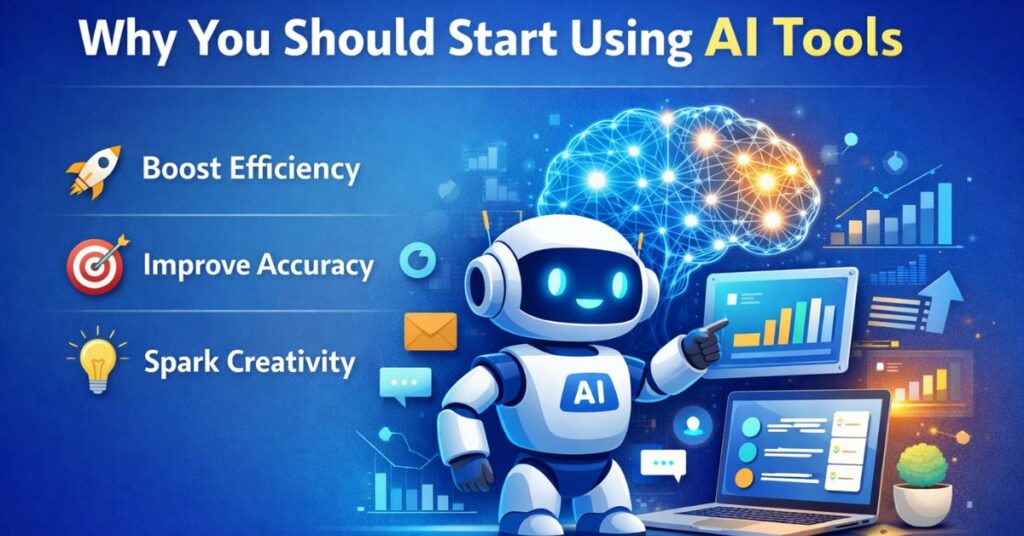
Before diving into the steps, it is important to understand why AI tools are worth your time. In addition to increased efficiency, there are many other benefits.It is now possible to complete tasks in minutes instead of hours. This allows you to focus on more important work and improve your overall productivity.
Another major benefit is accuracy. AI tools can analyze large amounts of data quickly and provide reliable insights. This is especially useful for businesses and researchers. Additionally, AI tools help reduce human error and improve consistency in tasks like writing, coding, and data processing.
AI also opens up new opportunities for creativity. Whether you are designing graphics or writing content, AI tools can generate ideas and inspiration that you might not have thought of on your own.
Step-by-Step Guide to Start Using AI Tools
Step 1: Identify Your Purpose
The first step in learning how to start using AI tools is to clearly define your goal. Ask yourself what you want to achieve. Do you want to write blog posts, automate tasks, edit videos, or analyze data? Knowing your purpose will help you choose the right tools and avoid unnecessary confusion.
For example, if your goal is content writing, you should focus on AI writing tools. If you want to create visuals, then AI image generators would be more suitable. Having a clear objective will make your learning process faster and more effective.
Step 2: Choose the Right AI Tools
Once you have identified your purpose, the next step is selecting the right tools. There are thousands of AI tools available, but beginners should start with simple and user-friendly options.
Here is a comparison table of popular AI tools:
| Tool Name | Use Case | Beginner Friendly | Free Plan |
| ChatGPT | Writing & Chat | Yes | Yes |
| Canva AI | Design & Graphics | Yes | Yes |
| Grammarly AI | Writing Improvement | Yes | Yes |
| Notion AI | Productivity | Yes | Limited |
| Jasper AI | Content Writing | Moderate | No |
Choosing the right tool depends on your needs and comfort level. Beginners should always start with tools that have simple interfaces and clear instructions.
Step 3: Learn the Basics
After selecting your tools, spend some time learning how they work. Most AI tools provide tutorials, guides, and demo videos to help users get started. You do not need advanced technical skills; basic understanding is enough.
Start by exploring the main features of the tool. For example, if you are using a writing AI, learn how to create prompts and generate responses. If you are using a design tool, understand how to customize templates and use AI-generated elements.
Practice is key at this stage. The more you use the tool, the more comfortable you will become.
Step 4: Start with Simple Tasks
One common mistake beginners make is trying to do complex tasks right away. Instead, start with simple tasks to build confidence. For example, if you are using an AI writing tool, begin by generating short paragraphs or ideas instead of full articles.
Gradually increase the complexity of your tasks as you gain experience. This approach helps you understand the strengths and limitations of the tool while improving your skills.
Step 5: Use Prompts Effectively
AI tools rely heavily on prompts, which are instructions you give to the system. Learning how to write clear and specific prompts is essential for getting the best results.
For example, instead of writing “write about AI,” you should write “write a 200-word introduction about how AI tools improve productivity for beginners.” The more detailed your prompt, the better the output.
Effective prompting is one of the most important skills when using AI tools, and it improves with practice.
Step 6: Evaluate and Edit Output
AI-generated content is not always perfect. It is important to review and edit the output before using it. Check for accuracy, clarity, and relevance. Make sure the content aligns with your goals and audience.
Editing also helps you add a human touch to the content, making it more engaging and authentic. AI should be seen as a помощник, not a complete replacement for human effort.
Step 7: Integrate AI into Your Workflow
Once you are comfortable using AI tools, start integrating them into your daily workflow. Use them to automate repetitive tasks, generate ideas, and improve efficiency.
For example:
- Use AI for drafting emails
- Generate blog outlines quickly
- Automate social media captions
- Analyze data faster
By incorporating AI into your routine, you can save time and focus on more important tasks.
Best Practices for Using AI Tools
Keep these best practices in mind when using AI tools:
- Always double-check AI-generated content for accuracy
- Avoid over-reliance on AI
- Use AI as a support tool, not a replacement
- Keep learning and exploring new features
- Stay updated with the latest AI trends
These practices will help you use AI tools responsibly and effectively.
Common Mistakes to Avoid
Beginners often make certain mistakes when starting with AI tools. One of the most common is expecting perfect results instantly. AI tools require practice and experimentation to produce the best output.
Another mistake is using vague prompts. This leads to poor results and frustration. Always be clear and specific in your instructions. Additionally, avoid ignoring the editing process, as AI-generated content may contain errors.
Finally, do not rely on a single tool for everything. Different tools serve different purposes, so it is important to explore multiple options.
Practical Use Cases of AI Tools
AI tools can be used in various real-world scenarios. For content creators, they help generate blog posts, social media content, and video scripts. For businesses, AI tools assist in customer support, marketing automation, and data analysis.
Students can use AI for research, note-taking, and learning complex topics. Freelancers can improve productivity by automating repetitive tasks and generating ideas quickly.
The possibilities are endless, and as AI technology continues to evolve, new use cases will keep emerging.
Conclusion
Learning how to start using AI tools is one of the most valuable skills in today’s digital world. With the right approach, anyone can leverage AI to improve productivity, creativity, and efficiency. The key is to start simple, practice regularly, and continuously learn.
Artificial intelligence isn’t here to replace humans, but to enhance them. By using AI tools wisely, you can stay ahead in your field and unlock new opportunities for growth. Take the first step today, and gradually build your expertise in this exciting technology.
No, most AI tools are designed for beginners and require little to no technical knowledge. Basic computer skills are usually enough to get started.
Many AI tools offer free versions with limited features. Premium plans are available for advanced functionalities.
Tools like ChatGPT, Canva AI, and Grammarly AI are excellent choices for beginners due to their simple interfaces and ease of use.
AI tools are designed to assist humans, not replace them. They improve efficiency but still require human input and oversight.
Focus on writing better prompts, practicing regularly, and editing AI-generated output to achieve the best results.

Ali is an SEO specialist and technology content writer at Techsprinto, covering AI tools, SEO software, and blogging resources. He creates practical reviews and guides to help creators and marketers choose the right digital tools.
1 thought on “How to Start Using AI Tools (Beginner’s Complete Guide)”