


Face scanning software is becoming one of the most powerful technologies in the modern digital world. What once felt like futuristic technology is now being used in everyday life, from unlocking smartphones to securing workplaces and verifying identities online. Businesses, institutions, and app developers are increasingly turning to facial recognition tools to improve convenience, reduce fraud, and create faster, more secure systems. As digital transformation continues to grow, face scanning software is no longer optional for many industries it is becoming a smart and strategic necessity.
For companies and professionals exploring this technology, understanding how face scanning software works is extremely important. Many people assume it is simply a camera taking a picture, but the reality is far more advanced. Modern face scanning systems rely on artificial intelligence, machine learning, pattern recognition, and biometric analysis to verify or identify a person in real time. This makes the technology useful in industries like banking, healthcare, education, retail, corporate offices, and cybersecurity.
If you are looking for the best way to understand face scanning software, this complete guide will walk you through everything you need to know. You will learn what it is, how it works, what features matter most, where it is used, what its pros and cons are, and how to choose the right solution for your business or project. Whether you are a beginner, a business owner, or someone researching software trends, this article will give you a clear and practical overview.
What Is Face Scanning Software?
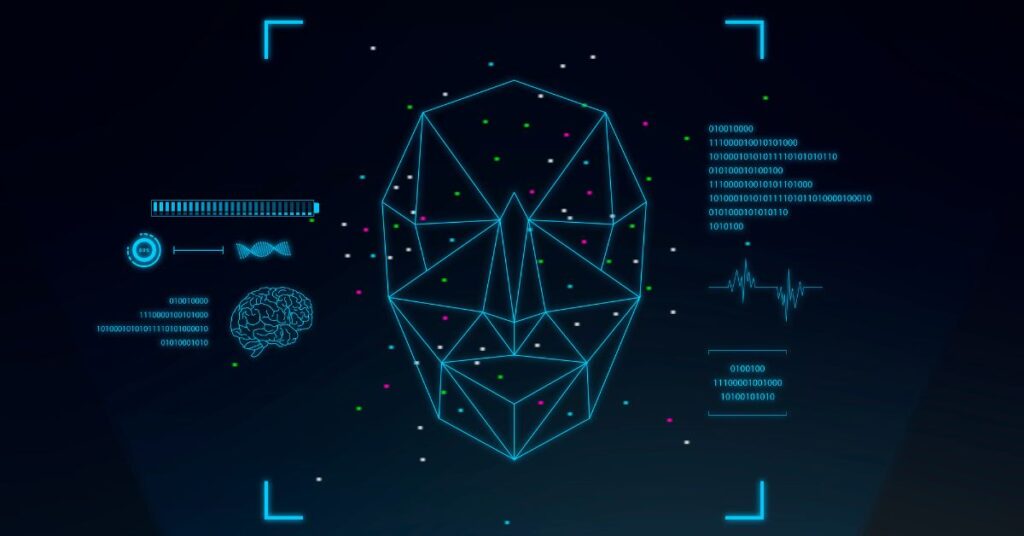
Face scanning software is a type of biometric technology that uses a person’s facial features to identify or verify their identity. Instead of relying only on passwords, PIN codes, keycards, or physical documents, it uses a camera or image-based input to analyze facial patterns and match them against stored data. This process allows systems to confirm whether someone is authorized to access a device, location, or service.
Unlike traditional photo recognition tools, advanced face scanning software does not simply compare pictures side by side. It studies unique facial characteristics such as eye spacing, jawline structure, cheekbone shape, nose width, facial symmetry, and other measurable points. These details are converted into a digital facial template, which can then be stored securely and used for future matching. This makes the system much more precise and useful than basic visual identification.
The software can work in both physical and digital environments. For example, it can be used at office entrances, airport checkpoints, hospital systems, mobile banking apps, e-commerce verification tools, or classroom attendance systems. Because it can automate identity verification while improving user convenience, face scanning software has quickly become a major innovation in the software and security industry.
How Face Scanning Software Works
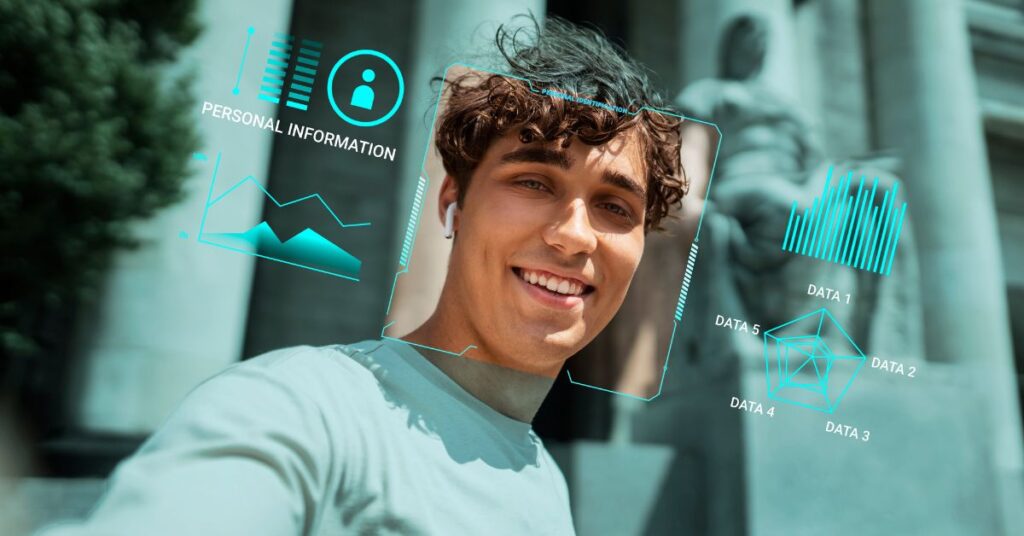
To understand why face scanning software is so valuable, it helps to break down the process behind it. While the technical algorithms may vary between providers, most facial recognition systems follow a similar workflow.
Face Detection
The first stage is face detection. In this step, the software identifies whether a human face is present in an image, live camera feed, or video stream. It isolates the face from the background and determines the position of the head, eyes, and facial boundaries. This step is essential because if the software cannot clearly detect the face, the rest of the process becomes unreliable.
Facial Landmark Analysis
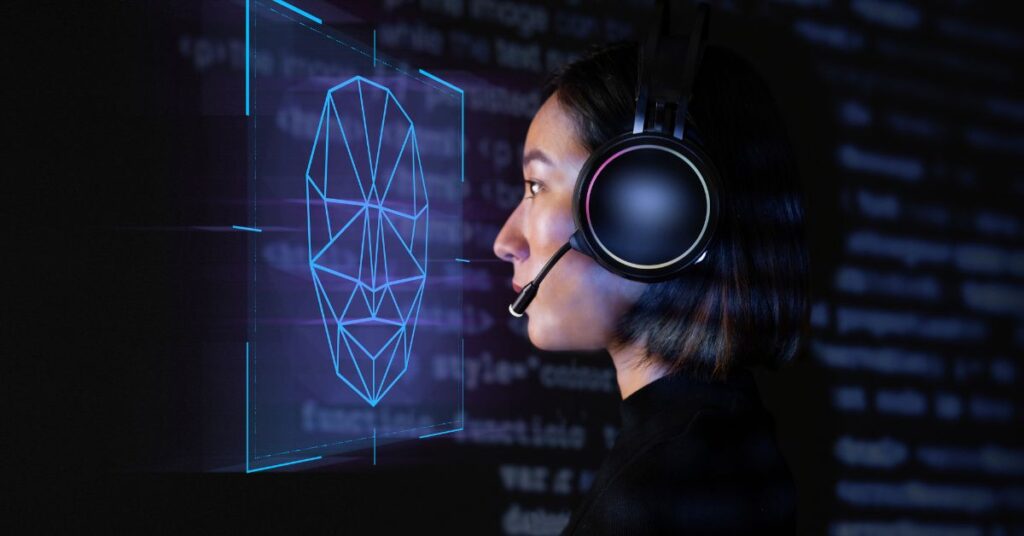
After detection, the software analyzes specific facial landmarks. These include key points around the eyes, eyebrows, nose, mouth, jawline, and cheekbones. Some advanced tools can track dozens or even hundreds of unique points on a single face. This helps the system understand the shape and structure of the face more accurately.
Biometric Template Creation
Once the face is mapped, the software converts the information into a biometric template. This template is not just a plain image file. Instead, it is usually a mathematical representation of facial data, designed for matching and secure storage. This makes the system more efficient and more secure than storing ordinary photos.
Matching and Decision-Making
Finally, the software compares the newly captured facial template with existing templates stored in a database. If the similarity score meets the required threshold, the system either confirms identity or identifies the person. This can happen almost instantly, making the process fast and convenient for users.
Why Face Scanning Software Is Becoming So Popular
The growth of face scanning software is driven by a mix of convenience, security, and business efficiency. Traditional identity systems often come with frustrating limitations. Passwords can be forgotten, cards can be lost, and manual verification processes can slow down operations. Face scanning software offers a smoother and smarter alternative.
One major reason for its popularity is the rise of contactless technology. In many industries, users now prefer systems that do not require physical touch, especially in workplaces, public spaces, and customer-facing environments. Face scanning software allows people to authenticate or check in without touching a keypad, swiping a card, or filling out paperwork. This creates a better user experience while reducing delays.
Another factor is the rapid improvement in AI and machine learning. Earlier generations of facial recognition tools often struggled with low light, poor camera angles, or facial changes over time. Today’s solutions are far more advanced and capable of performing well in real-world situations. As the technology becomes more reliable and affordable, more businesses are adopting it to improve security and automation.
Key Features to Look for in Face Scanning Software
Choosing the right face scanning software requires more than just selecting the first tool you find online. The best solution depends on your business goals, technical needs, and the level of security required.
High Recognition Accuracy
Accuracy should always be one of the first things you evaluate. Good face scanning software should minimize false positives and false negatives. A false positive means the system accepts the wrong person, while a false negative means it rejects the correct person. Both can create serious issues depending on the use case.
Real-Time Scanning
Real-time performance is especially important for environments where speed matters. This includes office access control, public security, employee attendance, and mobile app authentication. Software that scans and verifies faces instantly creates a smoother and more professional user experience.
Liveness Detection
Liveness detection is one of the most important modern features. It helps the system determine whether the person in front of the camera is physically present rather than using a printed photo, recorded video, or fake mask. This is essential for fraud prevention, especially in financial services and online verification.
API and Integration Options
Most businesses do not want standalone software that cannot connect with their existing systems. Strong API and SDK support allows developers to integrate face scanning features into websites, mobile apps, CRM platforms, HR systems, and access management tools.
Secure Data Storage
Because facial data is highly sensitive, secure storage is critical. Good face scanning software should include encryption, access controls, audit trails, and privacy-focused data management practices.
Scalability
If your business is growing, you need software that can scale. Some tools work well for a small office but struggle when deployed across multiple branches, departments, or thousands of users. Scalable software saves future migration headaches.
Major Benefits of Face Scanning Software
Face scanning software provides several practical advantages that make it attractive to businesses and organizations.
Stronger Security
Enhancing security is a major advantage. Unlike passwords or access cards, facial biometrics are much harder to steal, share, or duplicate. This makes unauthorized access more difficult and helps improve both digital and physical protection.
Faster Verification
Users can be verified within seconds, which saves time and reduces friction. This is especially useful in workplaces, customer onboarding systems, airports, hospitals, and mobile applications where speed matters.
Better User Experience
People prefer systems that are simple and intuitive. Face scanning software removes the need to remember passwords or carry physical ID cards. This convenience can improve customer satisfaction and employee efficiency.
Reduced Fraud Risk
Businesses that deal with identity-sensitive services can use face scanning software to prevent impersonation and account misuse. Liveness detection adds another layer of protection against spoofing attempts.
Automation of Routine Tasks
Face scanning software can automate attendance tracking, visitor management, secure login workflows, and access approvals. As a result, administration is simplified and human error is minimized.
Common Use Cases of Face Scanning Software
Face scanning software is highly flexible and can be adapted to many industries and workflows.
Employee Attendance Systems
Many companies now use face scanning software instead of manual registers or fingerprint systems. Employees can check in quickly, and HR teams can manage attendance records more efficiently.
Access Control and Building Security
Offices, data centers, schools, and secure facilities use face scanning software to control entry and restrict unauthorized access. This improves both convenience and security.
Banking and Financial Services
Banks and fintech platforms use face scanning software for customer onboarding, KYC verification, secure account login, and fraud prevention. It helps confirm identity without relying entirely on documents.
Healthcare Identity Verification
Hospitals and clinics can use face scanning software to confirm patient identity, reduce duplicate records, and secure restricted areas. Accurate identity matching is critical in healthcare environments.
Retail and Customer Analytics
Some retailers use facial authentication software for customer recognition, loss prevention, and analytics. While this must be handled carefully from a privacy perspective, it can help improve service and security.
Mobile Apps and Digital Platforms
App developers integrate AI face detection software into mobile platforms to provide secure authentication and account recovery. This is now common in fintech, secure messaging, and business apps.
Face Scanning Software vs Traditional Authentication Methods
To better understand its value, it helps to compare biometric face software with traditional security methods.
| Feature | Face Scanning Software | Passwords | ID Cards |
| Security | High | Medium to Low | Medium |
| Speed | Very Fast | Moderate | Fast |
| Convenience | Very High | Medium | Medium |
| Contactless | Yes | Sometimes | No |
| Easy to Share or Steal | Very Difficult | Easy | Easy |
| User Experience | Smooth | Often frustrating | Basic |
This comparison clearly shows why many organizations are replacing or supplementing older methods with biometric tools.
Challenges and Limitations of Face Scanning Software
Even though facial scanning software offers many benefits, it is not perfect. Businesses should also understand its limitations.
One major challenge is privacy. Facial data is sensitive biometric information, and users may feel uncomfortable if businesses collect it without transparency or proper safeguards. Organizations must clearly explain how data is used, stored, and protected.
Another limitation is environmental performance. Poor lighting, low-quality cameras, face coverings, unusual angles, or fast movement can affect accuracy. Some software solutions handle these conditions better than others, which is why testing is essential.
Bias is also a serious issue. If face recognition software is not trained on diverse datasets, it may perform inconsistently across different facial structures or skin tones. Responsible vendors are increasingly working to reduce this problem, but it remains something businesses should evaluate carefully.
How to Choose the Best Face Scanning Software
Selecting the right software starts with understanding your own needs first.
Define Your Goal
Do you need the software for attendance, security, app authentication, customer onboarding, or analytics? Different use cases require different features.
Review Accuracy Claims
Look for software providers that publish performance data, testing results, or third-party evaluations. This helps separate serious solutions from overhyped products.
Prioritize Privacy and Compliance
Choose a solution that supports secure data handling, consent management, and transparent privacy controls. This is especially important if your users are customers or clients.
Test Real-World Performance
A demo in perfect conditions does not always reflect real-world usage. Test the software in your actual environment before full deployment.
Think Long-Term
Choose a platform that can scale with your business, support future integrations, and adapt as your needs evolve.
Expert Tips for Better Results
If you want facial recognition software to perform well, implementation matters just as much as the software itself.
- Use high-resolution cameras whenever possible
- Ensure good lighting in scanning environments
- Keep software updated regularly
- Train staff on privacy and proper use
- Use liveness detection for high-risk verification
- Avoid collecting more biometric data than necessary
These simple best practices can significantly improve both security and user trust.
Conclusion
face matching software is transforming the way businesses and digital platforms handle identity, security, and access. It offers a powerful combination of convenience, speed, and modern biometric protection that traditional systems often fail to deliver. From employee attendance and office access to mobile authentication and fraud prevention, its applications are growing rapidly across nearly every industry.
However, the real value of facial identification software depends on how thoughtfully it is chosen and implemented. Accuracy, privacy, liveness detection, scalability, and ease of integration all matter when selecting the right solution. Businesses that approach this technology responsibly can unlock major benefits while building stronger trust with users.
As AI continues to evolve, face verification software will likely become even more accurate, secure, and widely adopted. For organizations looking to modernize identity verification and improve user experience, it is a technology worth serious attention.
Face scanning software is a biometric system that identifies or verifies a person using their facial features through AI and image analysis.
Yes, it can be highly secure when it includes encryption, liveness detection, and proper data protection practices.
It is commonly used in workplaces, banks, hospitals, mobile apps, schools, retail stores, and access control systems.
The cost depends on the provider, features, scale, and deployment model. Some solutions are affordable for small businesses, while others are built for enterprise use.
Yes, many modern face scanning tools are designed for mobile apps and smartphone-based verification.

Ali is an SEO specialist and technology content writer at Techsprinto, covering AI tools, SEO software, and blogging resources. He creates practical reviews and guides to help creators and marketers choose the right digital tools.
1 thought on “Face Scanning Software: Features, Uses & Benefits”